The school day, finally connected.
StaffHub brings schedules, attendance, duties, covers, tasks, and notifications into one place — so teachers spend ten seconds checking their day, and administrators spend less time chasing people down.
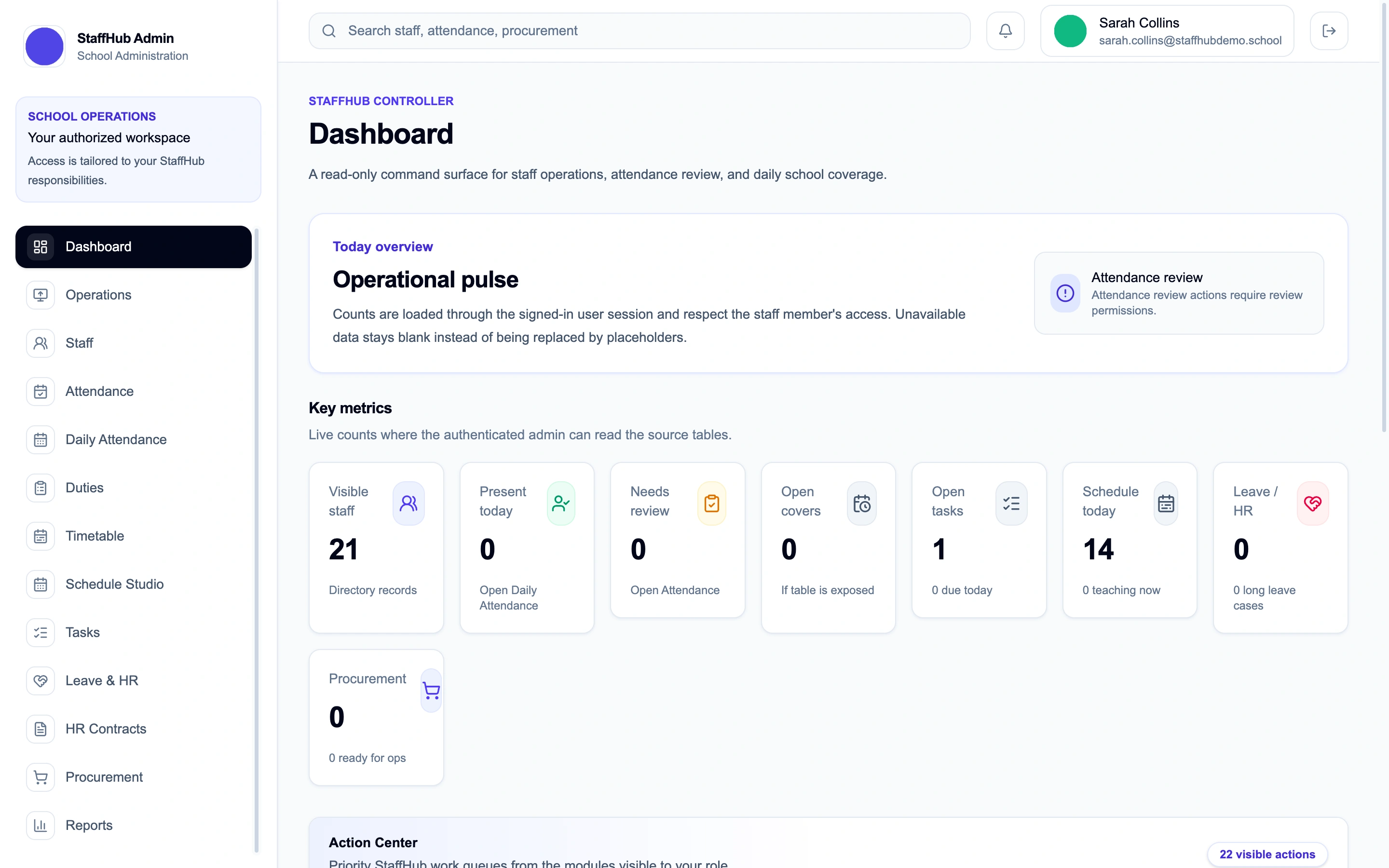
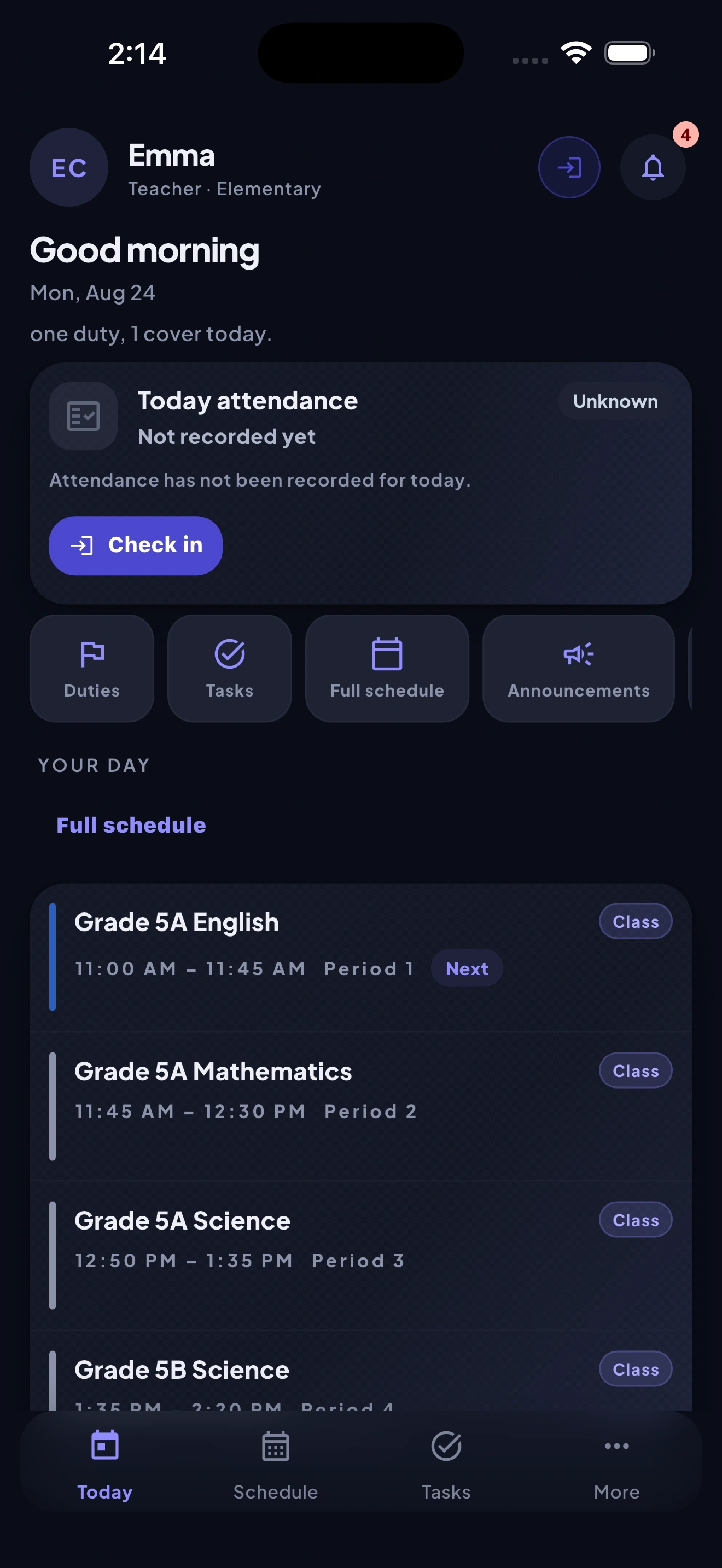
StaffHub doesn't replace your SIS, LMS or payroll. It connects the daily operational work around your staff that currently lives everywhere and nowhere.
Every teacher's day, in one glance.
Classes, duties, covers, tasks, exams, and check-out — all in a single view a teacher can scan in the time it takes to walk into the building.
Today
Wednesday
8:00 – 8:45
Period 1 — Grade 6B Mathematics
10:15 – 10:35
Duty — Main gate
1:30 – 2:15
Cover — Grade 8A Science
2:30
Task — Submit attendance summary
Needs attention
Today0
Staff absent
0
Covers required
0
Duties awaiting
0
Attendance exceptions
0
Leave awaiting
0
Tasks waiting
0
Purchase requests
0
Contracts ready
See what needs attention, without chasing people.
Absences, covers, duties, exceptions, leave, tasks, purchases, and contracts surface in one operational view — administrators see exactly what's outstanding, not what's buried in a chat thread.
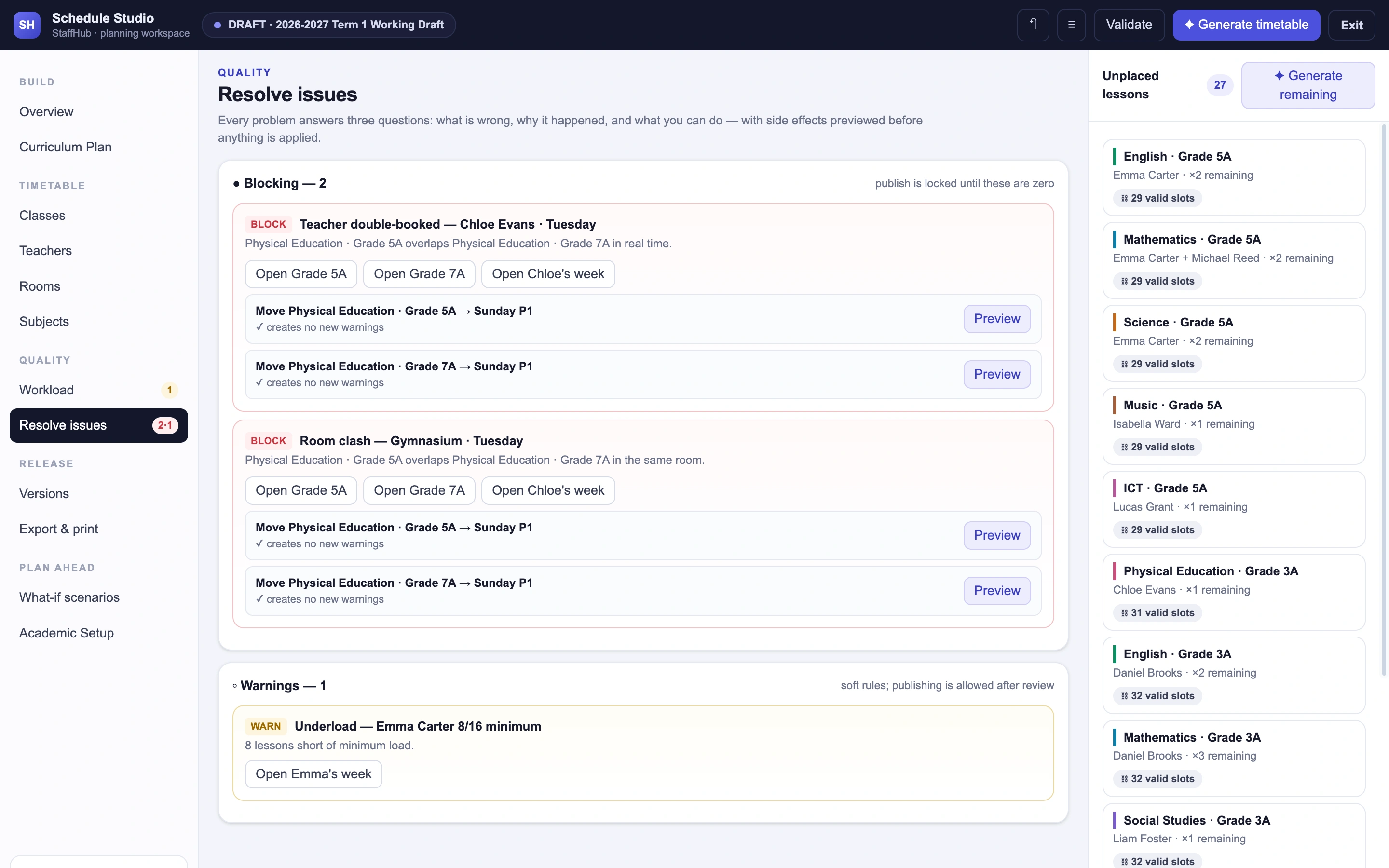
Build the timetable around the school — not the spreadsheet.
Schedule Studio
Balanced
- Gaps
- 3
- Moves
- 12
- Unplaced
- 1
Teacher-friendly
- Gaps
- 1
- Moves
- 8
- Unplaced
- 2
Room-efficient
- Gaps
- 4
- Moves
- 5
- Unplaced
- 1
Run the school day
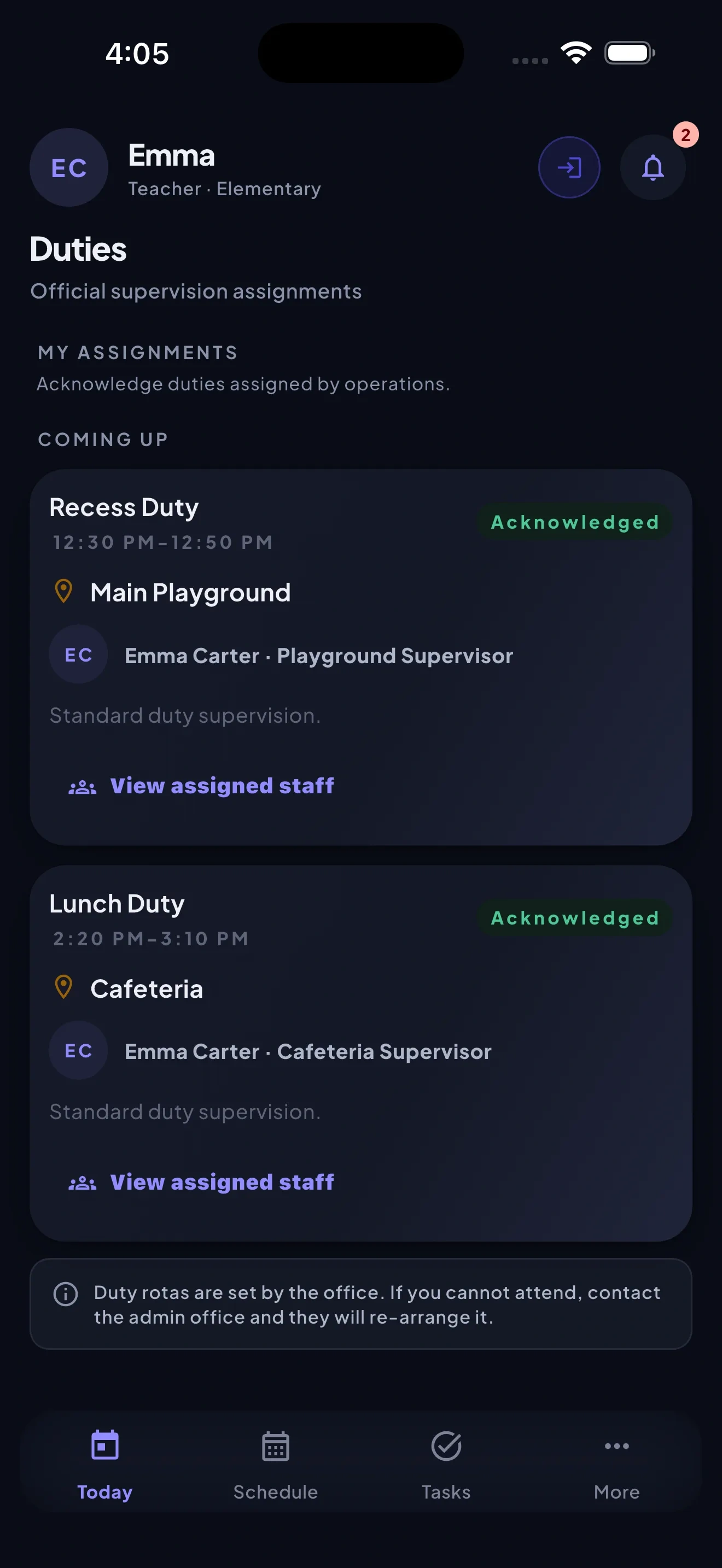
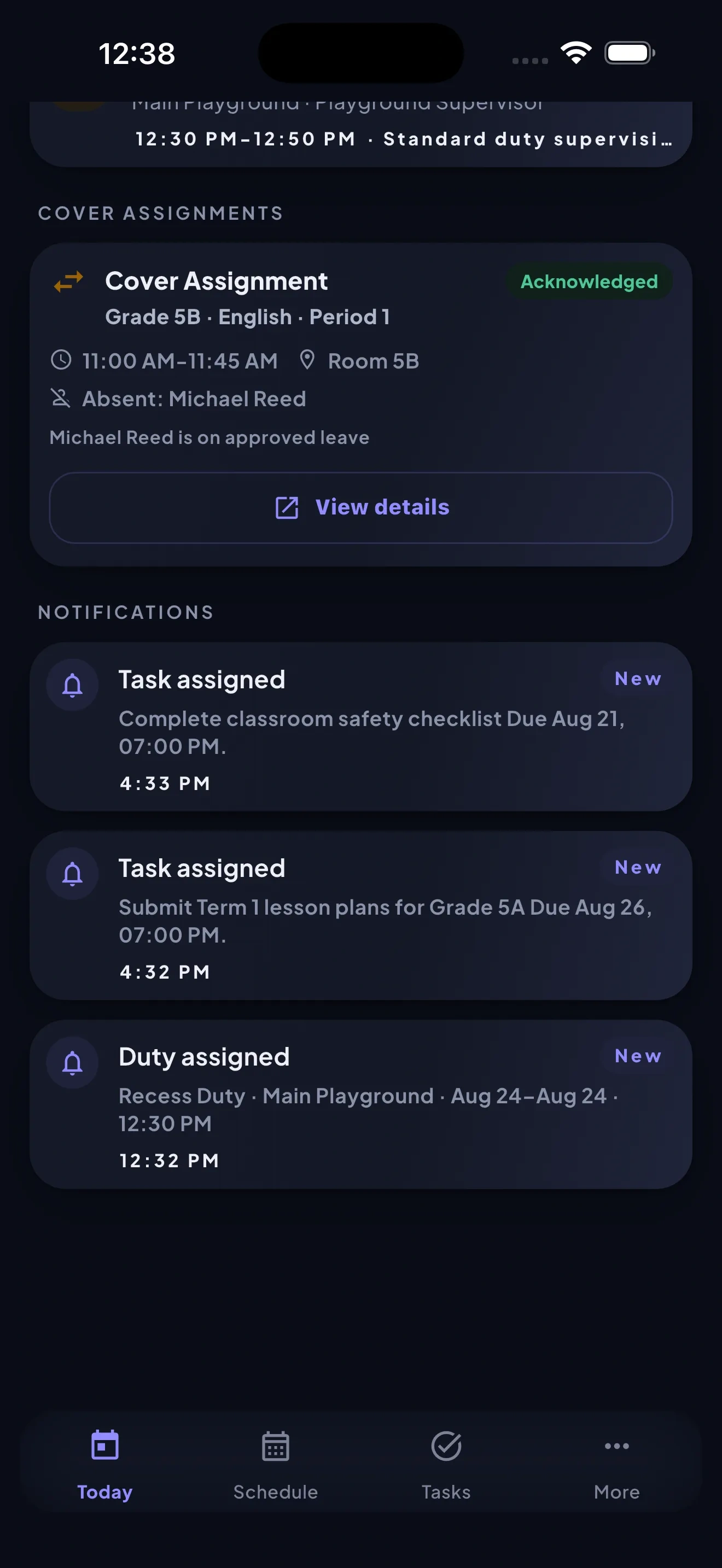
Schedules, duties, and covers stay in sync — when a teacher is out, StaffHub surfaces who's needed and where, instead of leaving it to a group chat.
Duty: PendingDuty: AcknowledgedKnow who's here
On-campus check-in gives administrators a real-time, permission-scoped view of attendance — without replacing the school's existing attendance processes.
Check-in: PendingCheck-in: VerifiedTake care of your people
Leave requests, HR documents, and contracts move through a clear approval chain, visible to exactly the people who should see them.
Leave: SubmittedLeave: ApprovedKeep operations moving
Purchase requests move from submission to pricing review to approval, with visibility for leadership at every stage — without becoming a full procurement system.
Request: Under reviewRequest: ApprovedKeep everyone informed
Targeted announcements reach the right roles, departments, or individuals, with read receipts so nothing important gets missed silently.
Announcement: SentAnnouncement: ReadBuilt for the ten seconds staff actually give it.
Today
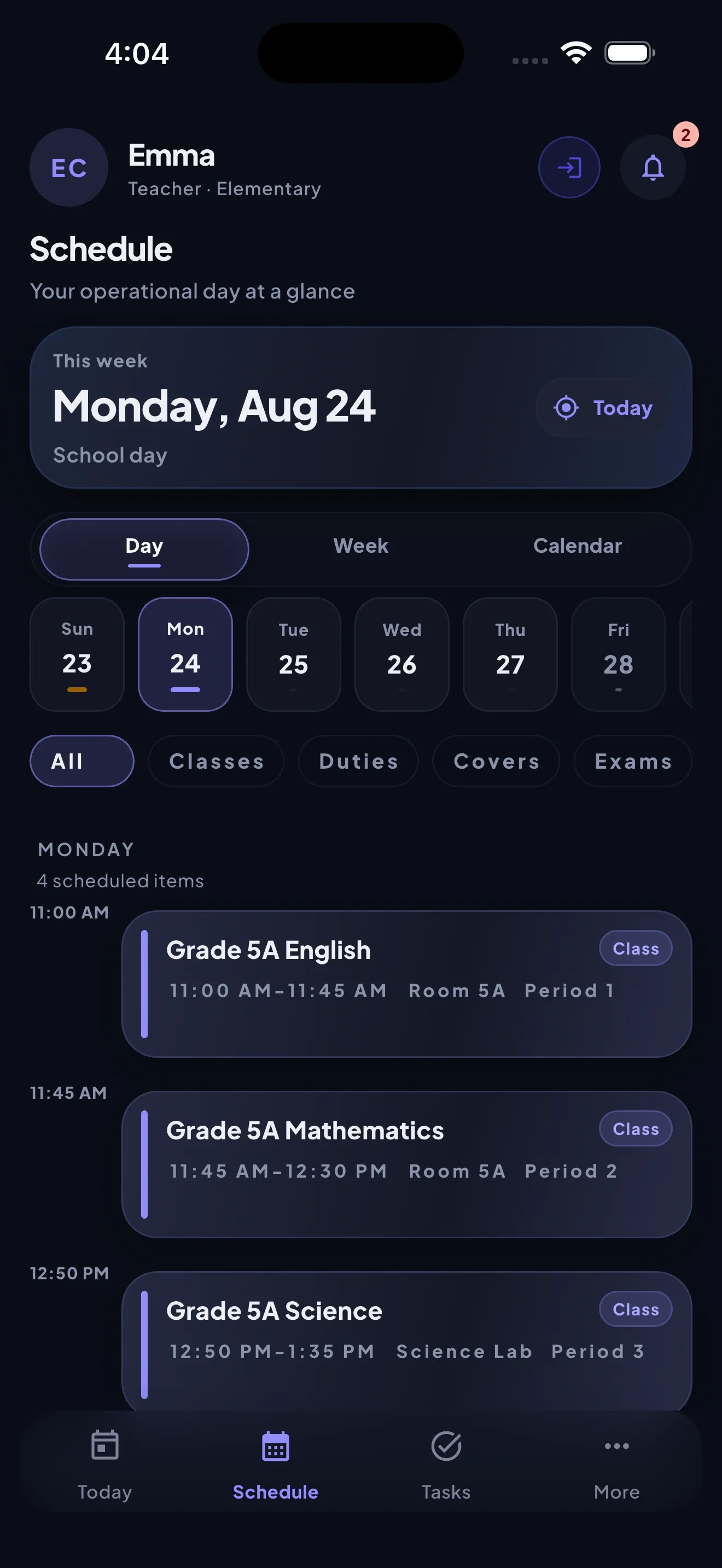
Schedule
Duty
Cover
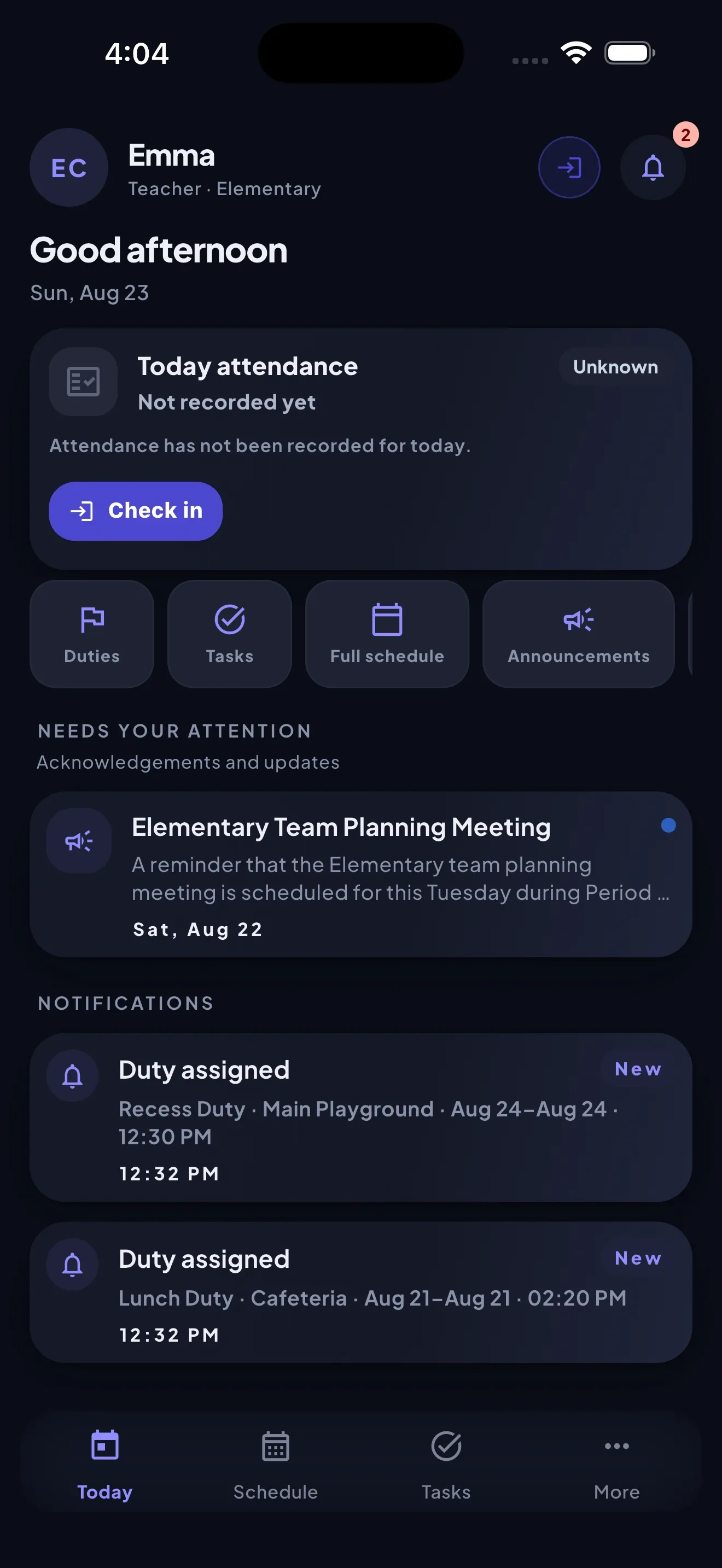
Check-in
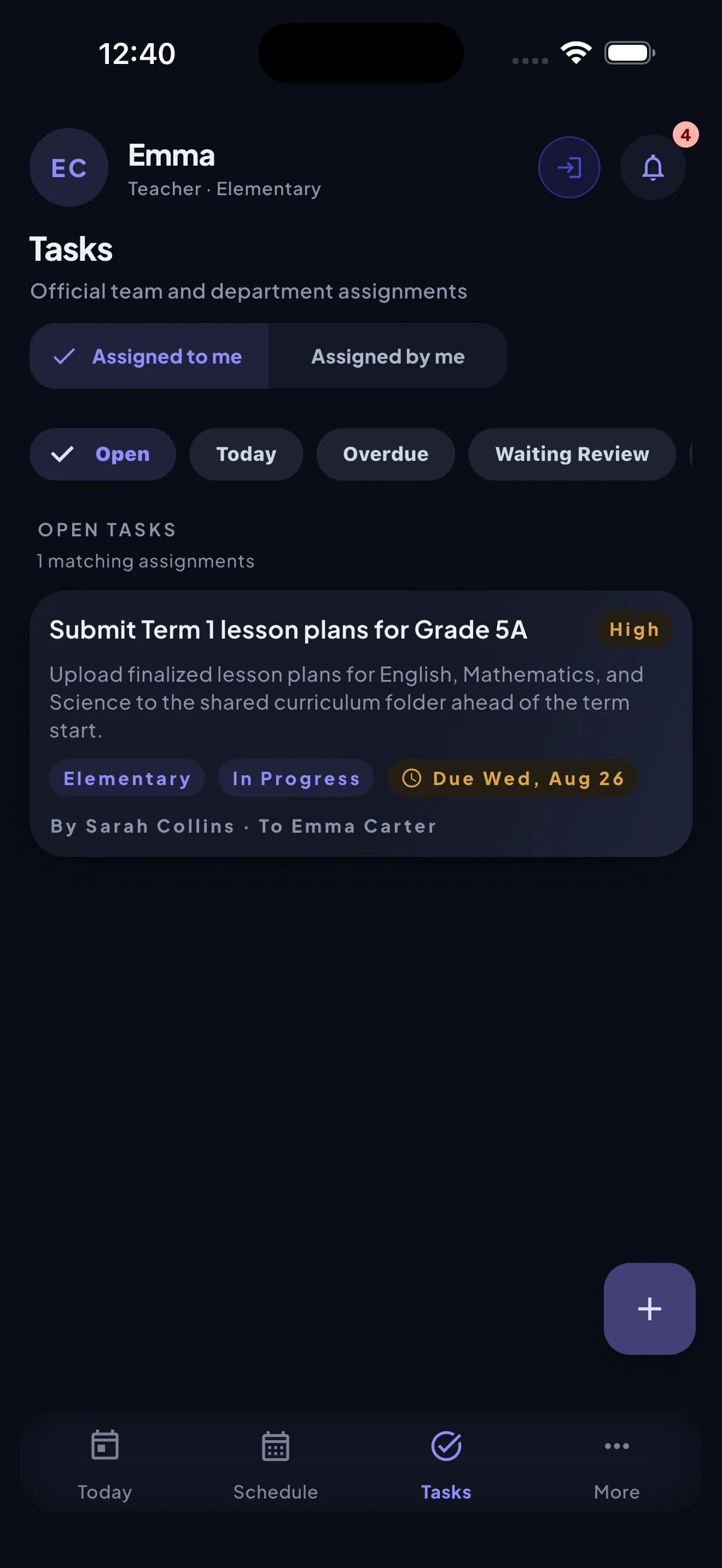
Tasks
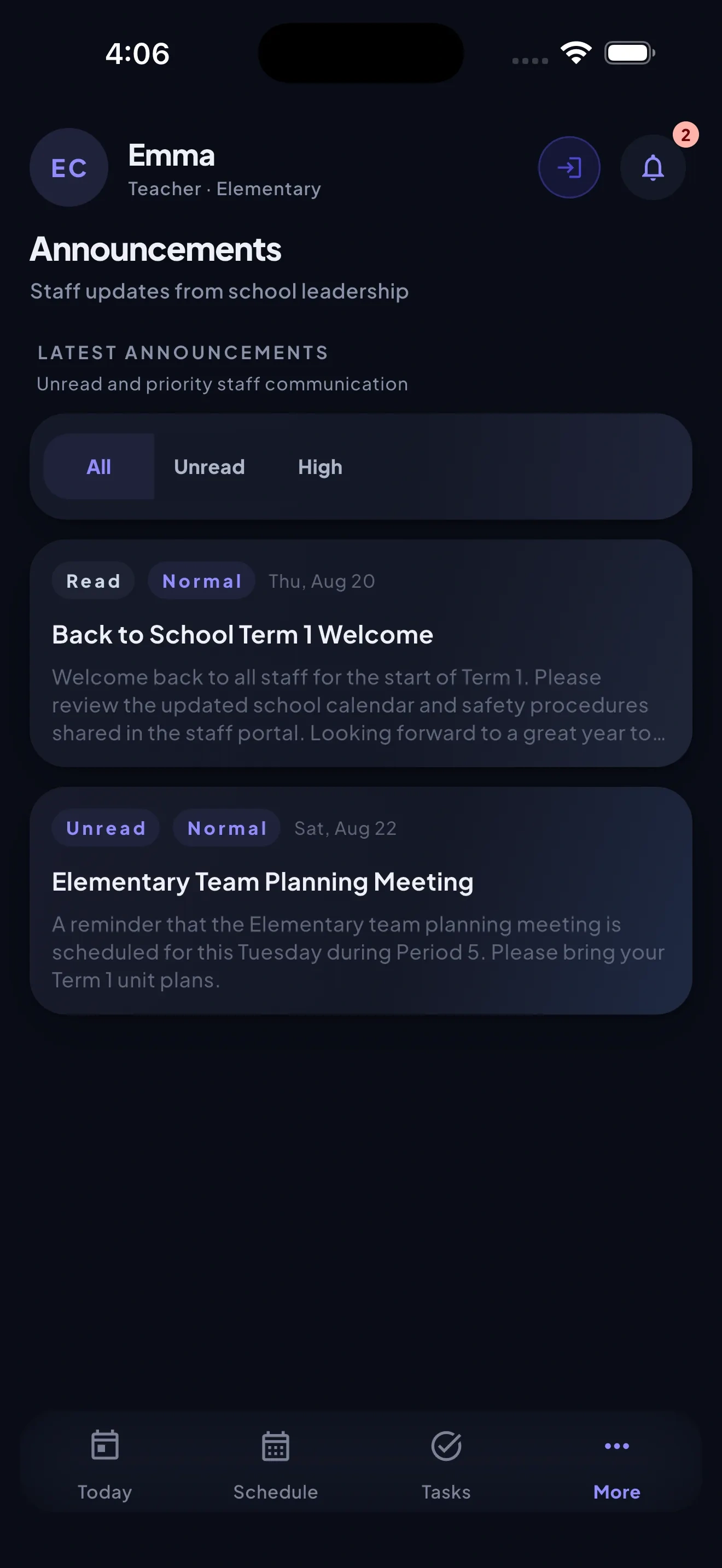
Announcements
Cover assignment
- Teacher absent
- Absence recorded
- Cover needed
- Teacher suggested
- Teacher notified
- Acknowledged
- Leadership sees completion
Purchase approvals
- Request submitted
- Pricing review
- Approval
- Visible to leadership
Built to be configured, not fought.
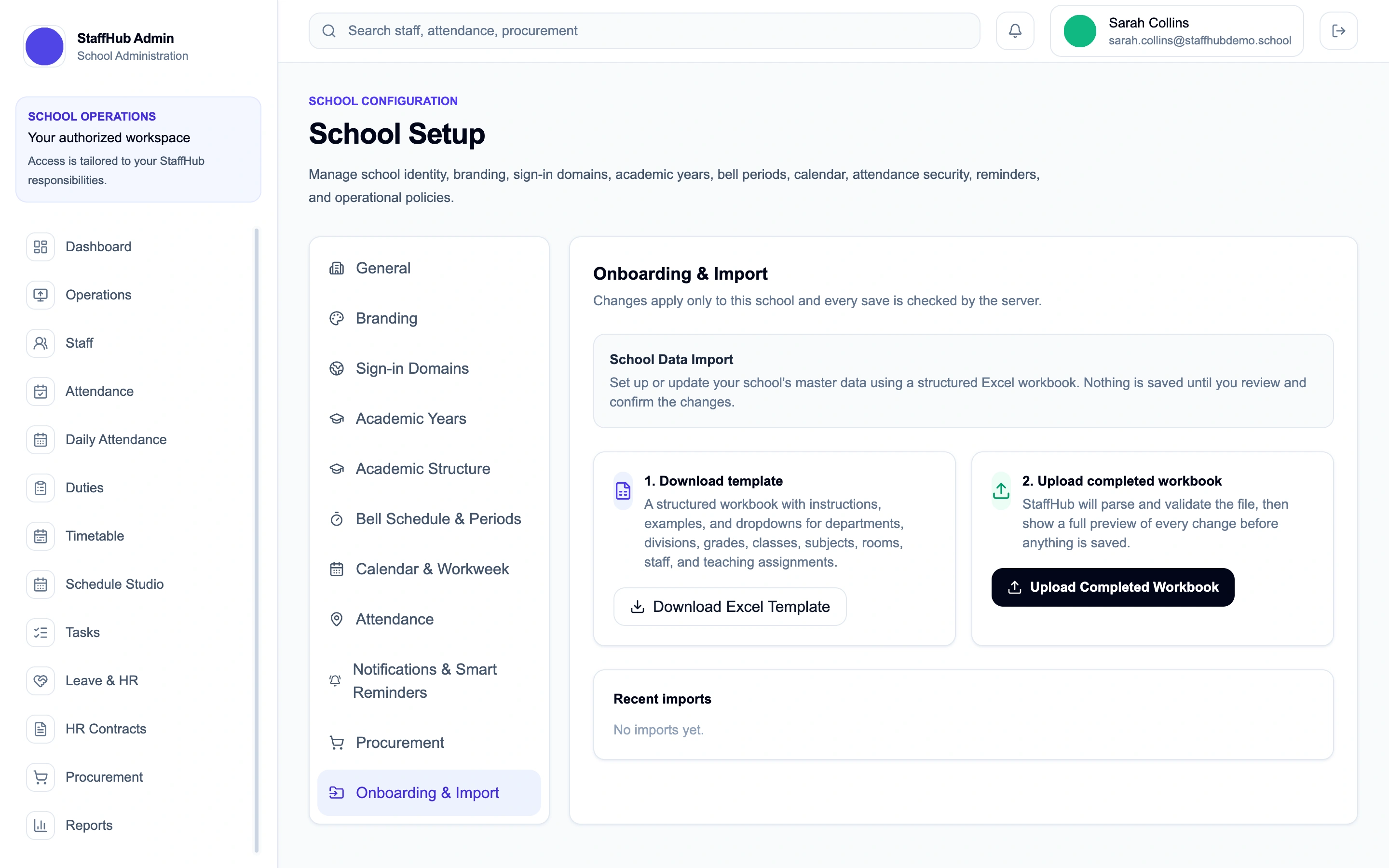
Staff data is sensitive. StaffHub treats it that way.
School data is isolated between tenants, and access follows the roles and scopes each school configures.
For staff, for admins
Simple where it should be. Powerful where it needs to be.
For staff
- A single view of the day's classes, duties, and covers
- Quick, permission-scoped check-in
- Notifications that matter, not noise
For admins
- A real-time view of what needs attention
- Timetabling built around real constraints
- Role-scoped visibility into HR and operations
Ready to connect your school day?
Tell us about your school and we'll show you StaffHub in action.
Request a Demo